


You need to share the extra badges with those attendees. You can only edit 1 Badge at a time.
- Login at http://register.creativetalentnetwork.com
- Click on Events on the top of the page
.jpg)
3. Click on the Correct Event then Click My Badges
.jpg)
4. Once on the Badges Page - Click Edit Badge
.jpg)
5. Your Badge will always be the first badge. Enter details for your badge if applicable and then hit Update Badge.Your email cannot be updated.
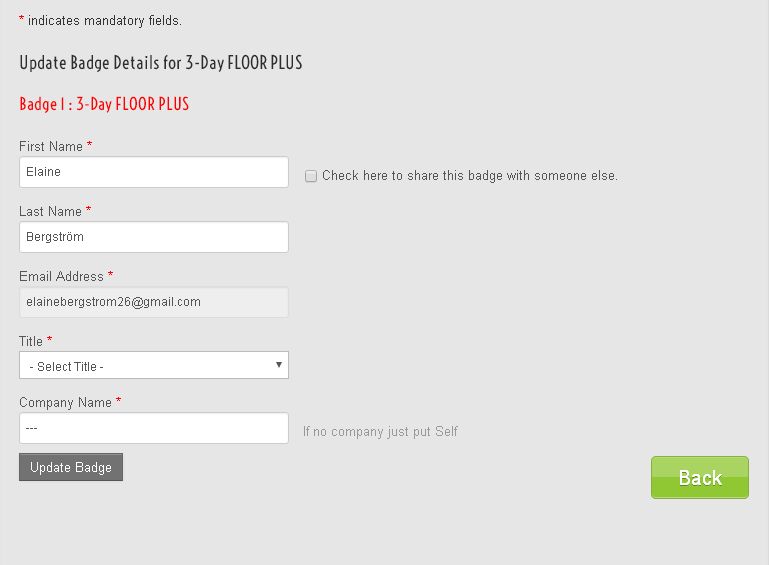
6. Go to the next badge and enter all of the information for that badge. Make sure the email you enter on the badge is correct as it cannot be changed. Confirm all information is correct and click button Send to Guest. This will send an email to them to access their badge information and add ons if applicable.
7. Repeat step 6 for additional badges.
Please make sure you have the email ID's correct as this cannot be changed once you click submit without having administration help.